

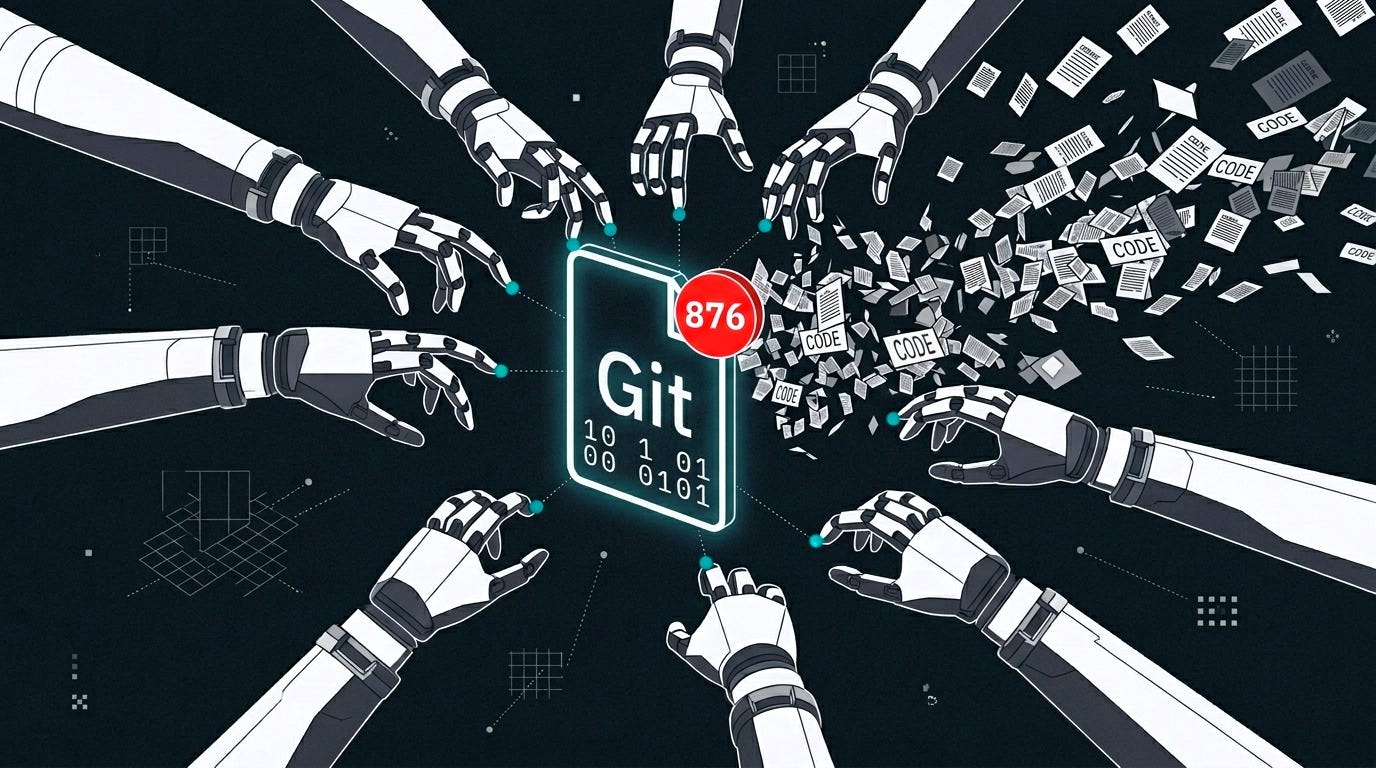
I glanced at VS Code and the source control icon in the sidebar was showing a number I’d never seen before. Hundreds. I clicked it. Every file in my workspace, every single one, was listed as untracked. As if the entire repository had never been committed.
My first thought was that I’d done something stupid. Maybe I’d accidentally run a reset, or deleted a .git folder. But the .git directory was there. The commit history was there. The files were on disk. Git just… didn’t know about them anymore.
876 files. 181,122 lines of code, notes, configuration, project files. All untracked. Only 7 remained in the repo.
The guilty commit
I asked Claude to investigate, which felt appropriate given Claude was probably involved. It started with git log, looking for something unusual. It didn’t take long.
Commit 03b2563, timestamped 03:33 that morning, with the message: “chore: remove archived logs and obsolete project files.” Sounds routine. Sounds intentional. It was neither.
That single commit deleted 876 files. The session that produced it? Two developers (one human, one AI) talking about adding SSH bridge support to a transcription skill for audio processing pipelines. Nobody mentioned file deletion. Nobody ran git rm. The workspace was intact when the conversation started.
So how did 876 files get deleted by a commit that nobody asked for, in a session that was about something else entirely?
Following the trail
Claude traced the problem by reading its own session transcripts. The AI that caused the problem was diagnosing the AI session that caused the problem.
My setup runs Claude Code inside a Docker container with the repository bind-mounted from the host. I run several sessions simultaneously: one on a feature, another handling a quick fix, a third doing research, etc. At the time of the incident, 10 sessions were active on the same repository.
Ten.
Each of those sessions shares the same .git/index file. That’s git’s staging area: a single binary file tracking what goes into the next commit. When you run git add, it updates this file. When the file is missing or corrupted, git add creates a fresh one containing only the file you just added.
That’s the crack in the foundation. Between 03:29 and 03:33, the index file got corrupted. With 10 sessions running concurrent git operations, something stomped on something else. Race condition. One session’s git commit or git add temporarily removed or renamed the index (git uses atomic rename from index.lock to index), and another session’s git add found nothing there and created a brand new index from scratch.
A new index containing exactly one file.
The chain reaction
I have an automation pipeline built around Claude Code so that I never forget to commit stuff and I can actually follow the update trail and even use that as hints for evolving claude. It’s a total of three hooks, each individually sensible:
A stage-on-edit hook runs git add whenever Claude edits a file, so I don’t have to manually stage changes. A stop hook auto-commits staged changes when a session ends. And an AI commit message generator reads the diff and writes something descriptive, because nobody writes good commit messages, especially at 3am.
Each hook is doing exactly what it was designed to do. The problem is what happens when the index is corrupted and these hooks keep running.
The stage-on-edit hook ran git add on a transcript file Claude had just edited. Normally this would update the existing index by adding one file alongside the 876 already tracked. But the index was gone. So git created a new index with just that one file. Now the staging area contains one file instead of 877.
The stop hook fired. It checked for staged changes. There were staged changes. It committed.
Git compared the new one-file index against the parent commit’s 876-file tree. Every file not in the index was interpreted as a deletion. 875 files deleted, 1 modified. The AI commit message generator saw this diff and described it accurately: “chore: remove archived logs and obsolete project files.” It wasn’t wrong. That’s what the diff showed. But it made a catastrophic accident look like routine housekeeping.
The calm narrator
The commit message is the part that stays with me. If I’d scrolled through git log looking for trouble, that message wouldn’t have raised a flag. “Remove archived logs and obsolete project files” sounds like exactly the kind of cleanup you’d do occasionally. A human reading the history would nod and move on.
AI-generated commit messages describe what happened in the diff with perfect accuracy and zero judgment. They can’t say “this looks wrong” or “this doesn’t match what we were talking about.” The message generator saw 876 deletions and calmly narrated them. Nothing in the system said “wait.”
What I changed
Recovery was straightforward. Git doesn’t lose data until it garbage-collects, and the full history was intact in the commit before the bad one. A git checkout from the parent commit restored everything. Even during recovery, the pre-commit hook earned its keep: it blocked me from accidentally re-committing a .env file that had previously slipped into tracking. Layered safety checks matter, even when you’re scrambling.
For the hooks, I added two guards.
The first catches corruption at the source. Before every git add, the staging hook compares how many files the index tracks against how many files HEAD tracks. If the index has less than half the files it should, something is wrong. The hook rebuilds the index from HEAD before staging.
The second is a last resort. Before every auto-commit, the commit hook counts deletions versus additions. If the commit would delete more than 10 files and deletions outnumber additions, it blocks the commit, resets the staging area, and logs a warning.
The proper fix goes further: git worktrees. Each Claude Code session gets its own working tree with its own index file. No more racing on a single file. That’s the real solution for concurrent sessions on the same repo and what I’m gonna make as default going forward.
The actual lesson
I use Claude Code every day. I’ve built an elaborate automation system around it. Session diaries, auto-commits, learnings extraction, memory retrieval. It has changed how I work, and I’m not stopping.
But none of my individual hooks were broken. Each one did its job correctly. The failure happened at the boundaries, where safe components interacted in ways nobody anticipated. That’s the pattern worth remembering: “each piece works” does not mean “the system works.”
If you’re running autonomous tooling of any kind, add your circuit breakers before you need them and always be ready to recover from a disaster.